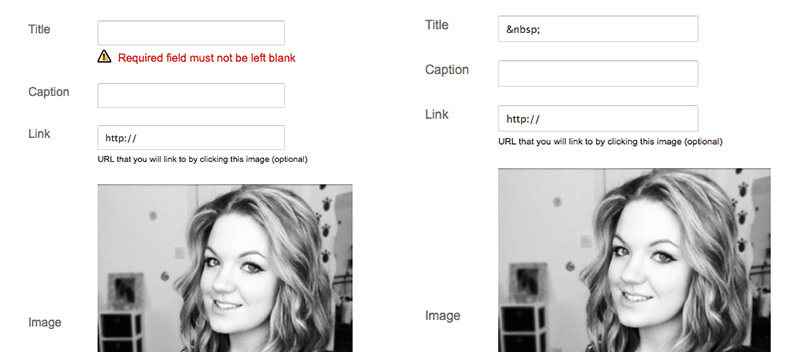
If you’ve ever tried to add an image gadget to Blogger you’ll know that adding a title for the gadget is a requirement. This can be pretty annoying when adding an About Me image that already has text. A lot of people have been asking me for a way to hide the title of the image gadget on Blogger using CSS but here’s a handy little workaround way of not needing a proper title at all. Add your gadget and use the following code as the title and save.
This is a non breaking space, it’s basically the HTML version of hitting the space bar on your keyboard. Blogger reads it as text so it thinks you’ve added a title when really you’ve just added a space.